New Variables Added
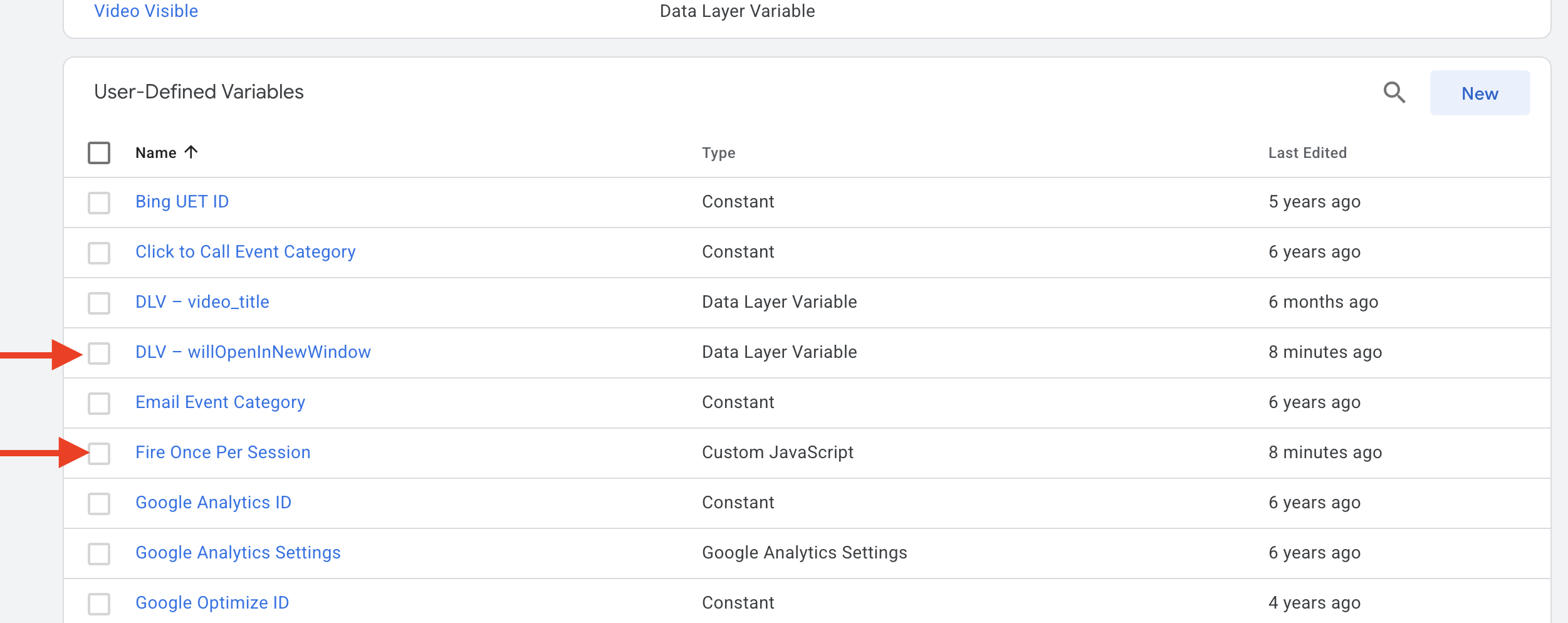
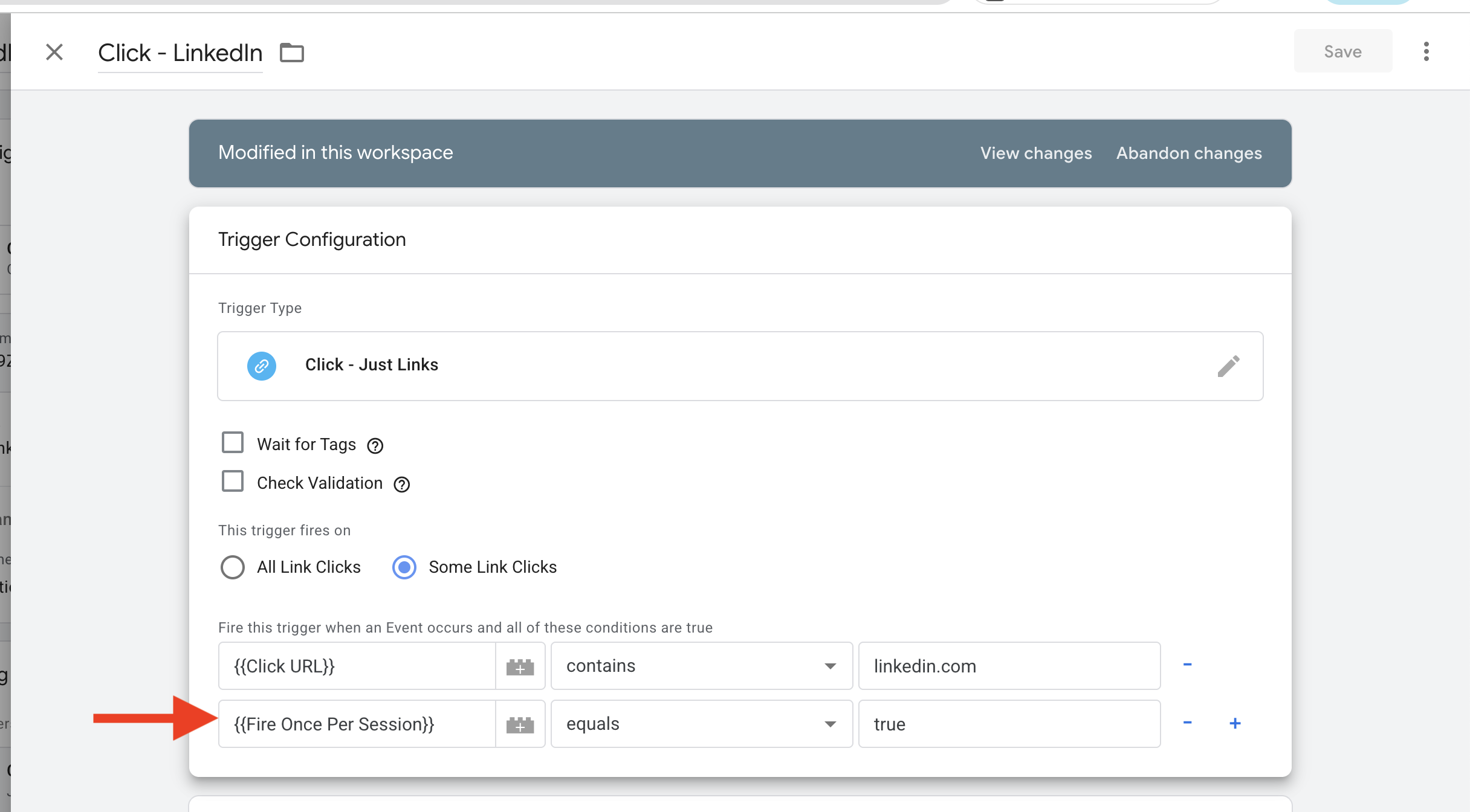
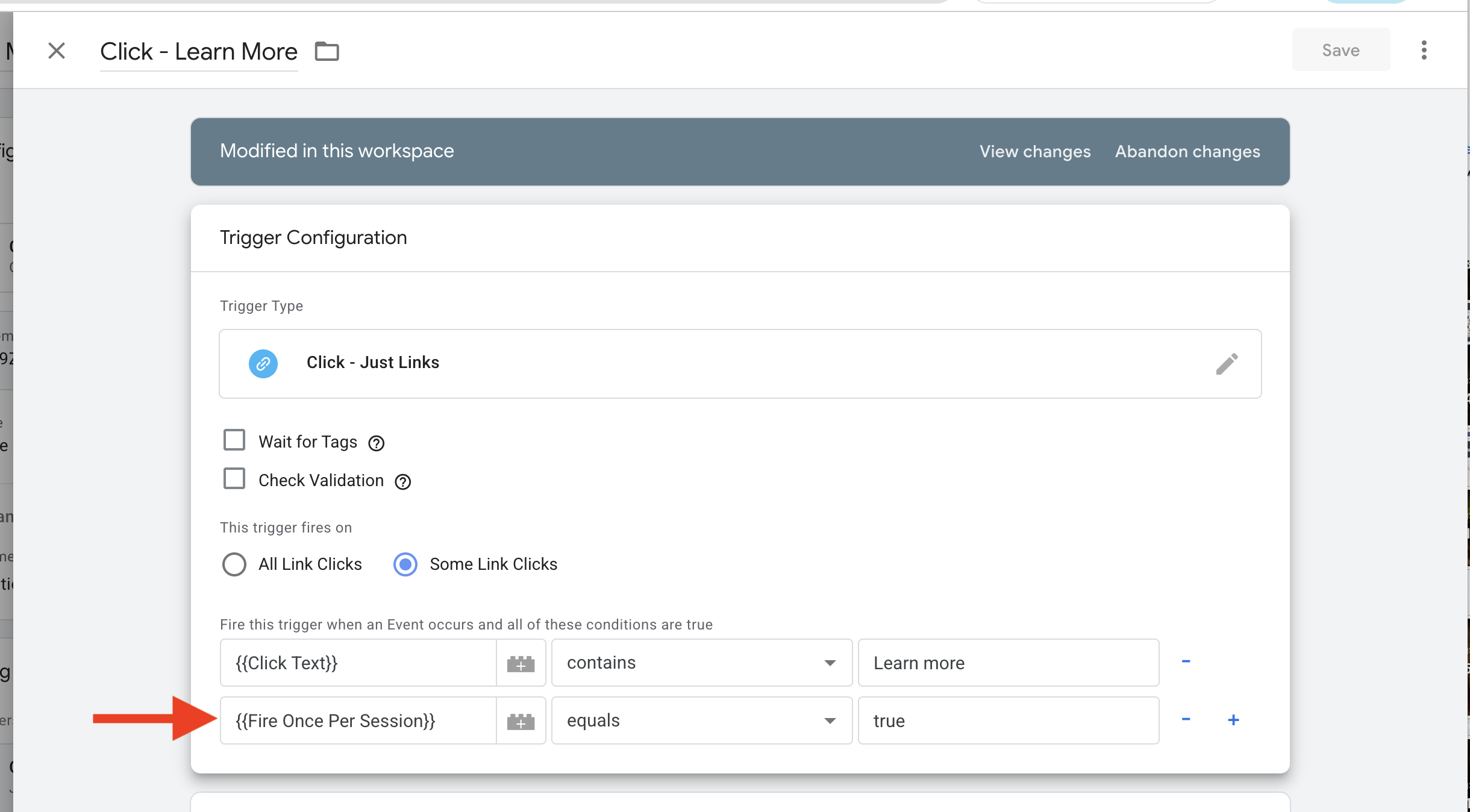
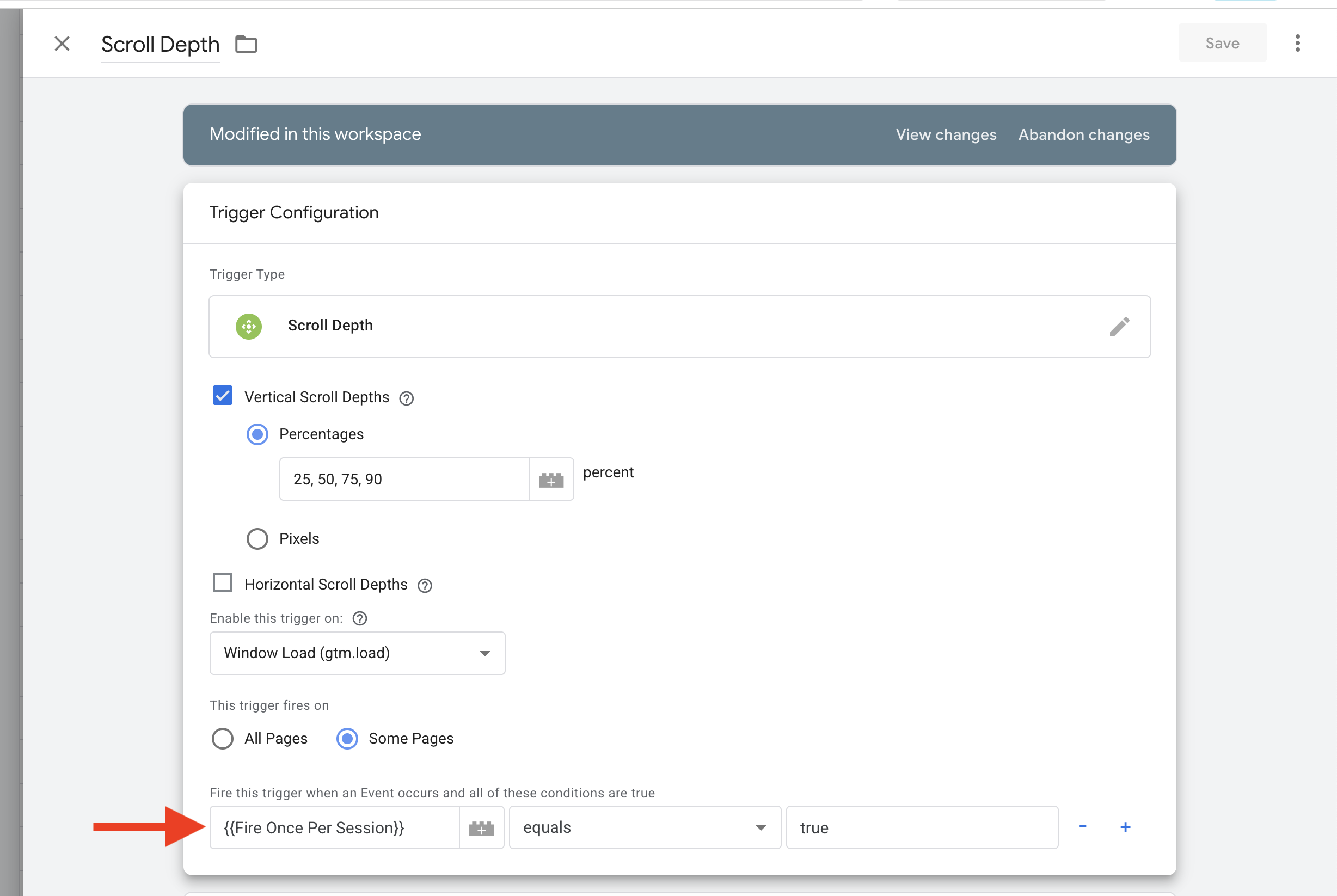
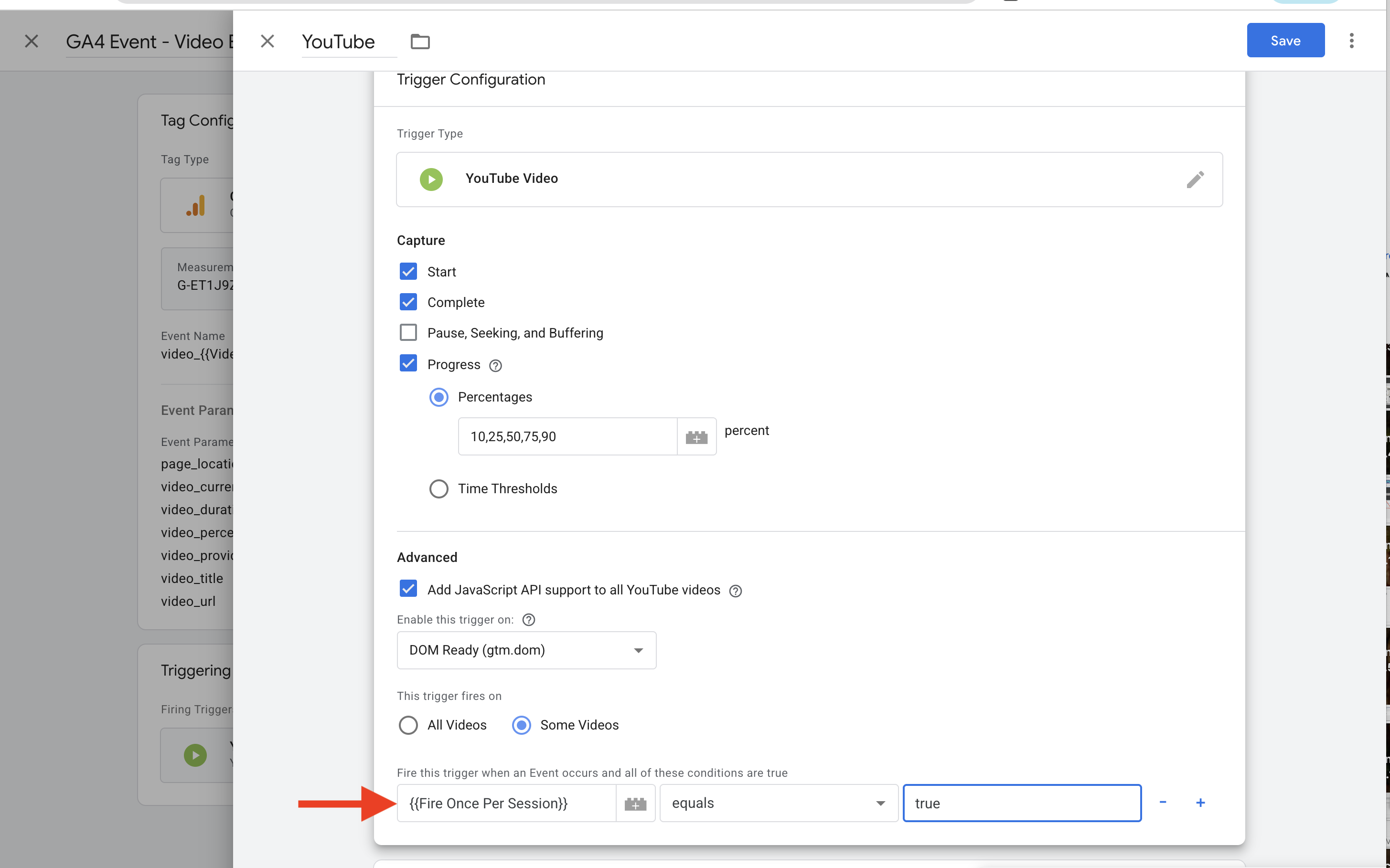
1. Fire Once Per Session
This is the core logic variable that implements the once-per-session deduplication.
What it does:
- Sets session storage for what was clicked, played, or scrolled
- Prevents GA4 events from firing again in the same session
- Dynamically creates unique session keys based on event type (video, scroll, link_click)
- Cleans video URLs to create consistent identifiers
- Validates identifiers before creating session keys
- For link clicks, intelligently determines whether to use URL or text based on internal/external and new window behavior
The code:
function() {
  var type       = '';
  var identifier = '';
  var gtmEvent   = {{Event}};

  // VIDEO
  if (gtmEvent === 'gtm.video') {
    type = 'video';

    var videoUrl   = {{Video URL}} || '';
    var cleanVideo = videoUrl
      .replace(/^https?:\/\/(www\.)?/i, '');

    identifier = cleanVideo + '_' + {{Video Percent}};

  // SCROLL
  } else if (gtmEvent === 'gtm.scrollDepth') {
    type       = 'scroll';
    identifier = {{Scroll Depth Threshold}};

  // LINK CLICK
  } else if (gtmEvent === 'gtm.linkClick') {
    type = 'link_click';

    var clickUrl    = {{Click URL}} || '';
    var rootDomain  = window.location.hostname;
    var isInternal  = clickUrl.indexOf(rootDomain) !== -1;
    var newWinEntry = window.dataLayer
      .slice()
      .reverse()
      .find(function(obj) {
        return obj['gtm.willOpenInNewWindow'] !== undefined;
      });
    var newWindow = newWinEntry
      ? newWinEntry['gtm.willOpenInNewWindow']
      : false;

    identifier = (newWindow && !isInternal) ? clickUrl : {{Click Text}};

  } else {
    return false;
  }

  // GUARD — nothing to key on
  if (identifier === undefined || identifier === null || identifier === '') {
    return false;
  }

  var normalized = identifier
    .toString()
    .toLowerCase()
    .trim()
    .replace(/\s+/g, '_')
    .replace(/[^a-z0-9_\-\/]/g, '');

  var key = 'session_event_' + type + '_' + normalized;

  if (sessionStorage.getItem(key)) {
    return false;
  }

  sessionStorage.setItem(key, 'true');
  return true;
}
How it works:
When an event fires, this variable:
- Determines the event type (video, scroll, or link click) by checking the GTM event
- For video events: Cleans the video URL and combines it with the percentage watched
- For scroll events: Uses the scroll depth threshold directly
- For link click events: Intelligently determines the identifier:
- Checks if the link is internal or external
- Checks if the link opens in a new window (using
gtm.willOpenInNewWindowfrom dataLayer) - If external AND opens in new window: uses the URL
- Otherwise: uses the click text
- Normalizes the identifier to create a consistent key
- Checks if this key already exists in session storage
- If it exists, returns
false(block the event) - If it doesn't exist, sets the session key and returns
true(allow the event)
Example session keys:
session_event_link_click_give_it_a_try
session_event_video_youtubecom/watchvengw7tlk6r8_90
session_event_video_youtubecom/watchvengw7tlk6r8_100
session_event_scroll_50
session_event_link_click_https//linkedincom/
Note: Special characters are removed from session keys for safety and consistency.
2. DLV - willOpenInNewWindow
This is a data layer variable that determines if a button/link will open in a new window.
What it does:
- Checks if a click target is set to
_blank - Distinguishes between internal and external link clicks
- Helps with analytics attribution and tracking
Note: This is an out-of-the-box GTM variable type. No custom JavaScript is needed - GTM provides this functionality natively.